
Operation and maintenance · 8 min read · Updated 2026-11-16
Setting the dryer temperature controller
ON/OFF or PID on a hot-air dryer: why the air overshoots, how to plan one auto-tune under real load, and why a factory reset loses the machine set-up.
Technical guide. Figures are taken from our own spec tables; for your process we confirm the settings with a cleaning trial.
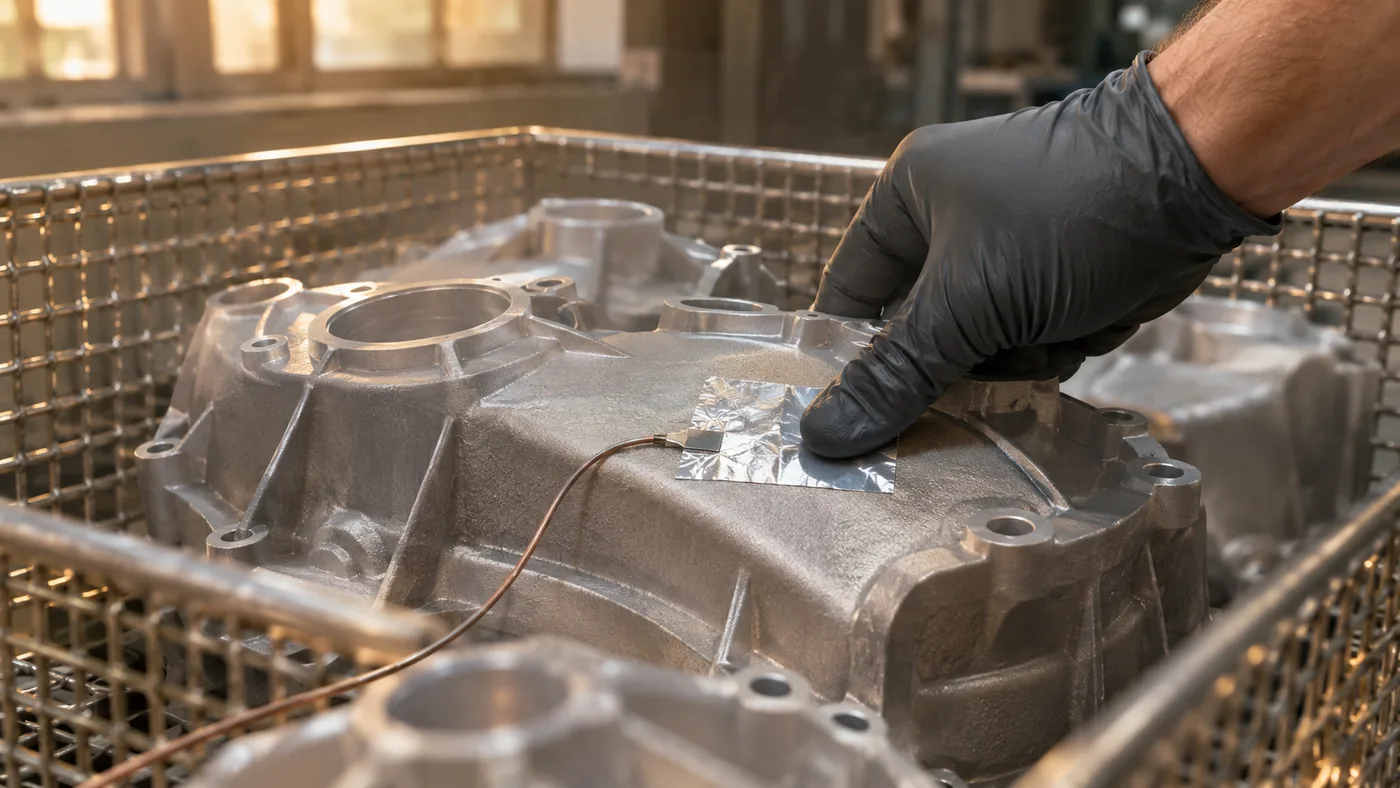
The set value is 50 °C
How do you set the temperature controller of a hot-air dryer? Run the controller of a DT hot-air dryer in PID mode, not ON/OFF, and do one auto-tune at the production working temperature with a typical basket loaded. Allow about two hours including a check run. Never reset the controller to factory defaults, and check the part temperature separately from the air display.
What does a dryer temperature controller measure?
A dryer temperature controller measures the air at its sensor position, not the parts. On a DT hot-air dryer the air can be set from 30 to 100 °C
The DT hot-air dryers combine a heating turbine, a digital thermostat and a digital timer. The range runs from the DT-96 to the DT-300; the table below lists the three models, and the DT overview describes the machines.
| Model | Volume (L) | Heating (kW) | Air temperature (°C) | Supply (V) |
|---|---|---|---|---|
| DT-96 | 96 |
3 | 30–100 |
400 |
| DT-206 | 206 |
6 | 30–100 |
400 |
| DT-300 | 300 |
on request | up to 100 |
400 |
Source: Sonixtek product data, Nov 2026.
Before you change anything, write down the controller type shown on the unit and keep its manual with the machine documents. Displays that look alike can have different menus, so a button sequence from another controller is not a set-up instruction.
The range of 30 to 100 °C
What is the difference between ON/OFF and PID control?
ON/OFF control switches the dryer heater fully on below the set value and fully off above it, so the air swings around the set value. PID control reduces the heating before the set value is reached. On DT hot-air dryers delivered in ON/OFF mode, PID with one auto-tune of about two hours kept the air close to the set value.
In ON/OFF mode a small switching band sits between on and off. Heat keeps arriving after the switch-off, so the air rises past the set value, then falls below it before the heater comes back. How wide that wave is depends on the settings and on the heat stored in the machine; no fixed figure applies to every installation.
In PID mode the controller looks at the present deviation, at how long it has lasted and at how fast the temperature is changing. Once the PID values fit the machine and its load, the air stays much closer to the set value. The DT controller has been delivered in ON/OFF mode, so check the mode on your own machine before you assume either.
| Question | ON/OFF | PID |
|---|---|---|
| How is heat switched? | Fully on or off around the set value | Reduced before the set value, from the deviation and its trend |
| Typical behaviour | Repeating overshoot and undershoot | Close to the set value once tuned |
| What it needs | A suitable switching band | One auto-tune under representative conditions |
| What still proves the process | Part temperature and dryness checks | The same checks |
Why does the air overshoot the set value?
Dryer air overshoots because the heating elements and the metal around them are still hot when the controller stops calling for heat, and the fan keeps carrying that stored heat to the sensor. On one installation a set value of 50 °C
The air also needs time to travel from the heater to the sensor, so the reading keeps rising for a while after the switch-off. Load changes the picture. An empty chamber has little to absorb the heat and tends to overshoot more. A freshly loaded basket of wet parts pulls the air down, and the controller calls for heat while the parts warm up. That is why a tune made in an empty machine may not match production.
Before changing settings, look for process changes: a new rack, a blocked intake filter, a colder rinse or a heavier basket all change the response. The rinsing and drying guide explains how the condition of the parts entering the dryer affects the drying step.
How do you plan an auto-tune on a hot-air dryer?
An auto-tune on a hot-air dryer should run once, at the production working temperature, with a typical basket loaded and the lid, intake filter and rack as in production. Allow about two hours including a check run. Check the cycle timer first: with the default range it stops at 99:59, too short for a 120-minute auto-tune.
During the auto-tune the controller heats and cools the system on purpose, measures how it responds and calculates its own PID values. The result is only as good as the conditions during the run. Plan it like this:
- Record the current controller settings before any change, using the method the manual allows.
- Set the working temperature you will use in production, not the maximum.
- Load a typical basket that may see a few degrees of overshoot during the tune. Do not use sensitive production parts.
- Keep lid, intake filter, rack and loading as in production.
- Allow about two hours, including a check run afterwards.
The timer range must be changed in the controller set-up before the run; the manual of the fitted controller gives the menu path. Change only that setting and note it in the machine record.
The field practice is one auto-tune, not one per basket. Repeat it only after a real change in the thermal system, such as a different basket weight, a new rack or a modified air path.
Check the result under production conditions
After the tune, run a normal production cycle and watch the warm-up, the recovery after loading and how close the air stays to the set value. Then check the parts themselves. A thermocouple taped to a representative part, or a handheld contact thermometer, shows whether the part stays within its permitted temperature; the controller display cannot show that. Finally, inspect the part for water at its most difficult feature, after it has cooled and been turned. A flat temperature curve does not prove that a blind hole is empty.
If the behaviour is still unsuitable, review the air path, the sensor and the controller set-up with our technical team. Do not keep changing PID values by trial until the display looks calm; a calm display can still hide a process that does not dry the part.
Should you reset the dryer controller to factory defaults?
No. A factory reset on a DT hot-air dryer restores the defaults of the controller maker, not the configuration the machine was built and set up with. Sensor, output and timer settings may then no longer match the machine, including a timer range that was changed to fit a 120-minute auto-tune.
Keep a written record of the approved settings, including any timer-range change and the auto-tune date and conditions. If a value must change, change that one value and check a representative basket afterwards. The daily and weekly maintenance guide shows how to keep such records, and our dryer maintenance article covers the fan, heater and filter checks that keep the air path in the state you tuned it in.
Frequently asked questions
Does the auto-tune have to be repeated for every basket?
No. One auto-tune at working temperature with a typical load is the field practice. Repeat it only after a real change in the thermal system, such as a different basket weight, a new rack or a modified air path.
Which temperature should I set on a DT dryer?
Set the temperature the complete part may see, including seals, plastics and coatings, not the 100 °C
Can I use production parts for the auto-tune?
Use a typical basket that may see a few degrees of overshoot during the tune, not sensitive production parts. Keep the lid, intake filter, rack and loading as in production, so the PID values match normal operation.
What should go into the machine record?
Record the approved controller settings, any change to the timer range, and the date and conditions of the auto-tune. If one value must change later, change only that value and check a representative basket afterwards.
What to send us
If you are planning a new DT dryer or your temperature behaviour needs a second look, send us:
- The controller type and the current settings, if available.
- The set value, the highest temperature you see and how long it takes to settle.
- The part material, the basket weight and how wet the parts arrive.
Send it through the quote form. We reply within one business day.