
Parts and contaminants · 5 min read · Updated 2026-09-30
Ultrasonic cleaning of electronic connectors for reliable contact
Oxide, flux, dust and old lubricant raise contact resistance. How to clean connectors, pins and charging ports without harming gold, silver or tin plating.
Technical guide. Figures are taken from our own spec tables; for your process we confirm the settings with a cleaning trial.
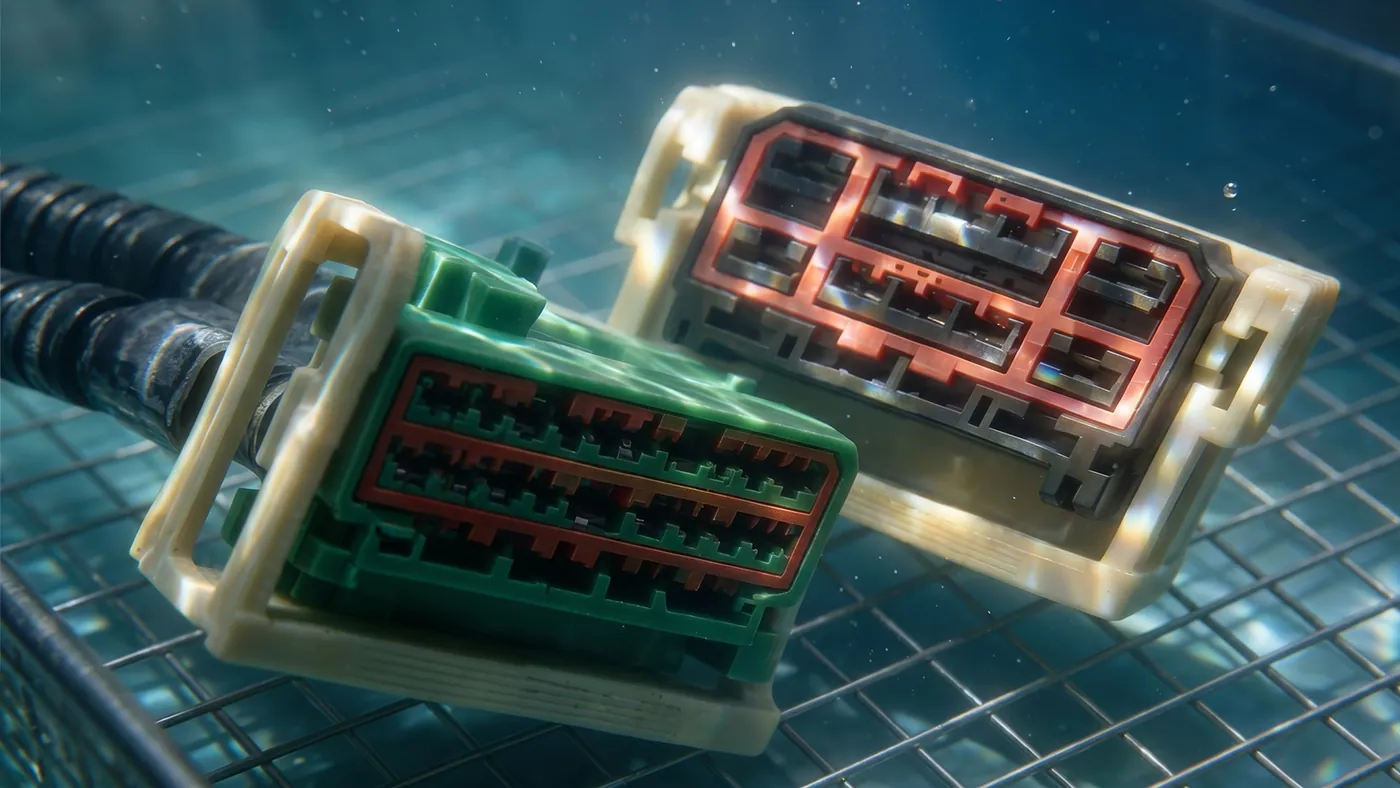
A connector is two small areas of metal pressed together by a spring. The current flows through a handful of contact points where the surfaces actually touch, so a film a few micrometres thick, or one particle in the wrong place, is enough to raise the contact resistance, cause an intermittent fault or start fretting corrosion. Cleaning connectors is about restoring clean metal at those points without removing the thin plating that makes the contact work.
What sits on a connector
| Soil | Where it comes from | Effect |
|---|---|---|
| Stamping and forming oil | Production of the contacts | Insulating film; attracts dust |
| Plating salts | Incomplete rinsing after plating | Stains, corrosion, ionic contamination |
| Flux | Soldering of board-mounted connectors, wicking up the pins | Sticky film, corrosive over time |
| Oxide and tarnish | Storage, heat, sulphur in the air | Higher contact resistance, especially on tin and silver |
| Dust, fibres, metal particles | Assembly, handling, use | Open contacts, short circuits between pins |
| Old contact lubricant | Service life | Dried, gummy film that holds dust |
Charging ports on handheld devices, tools and vehicles see the same list, plus pocket lint, skin oil and sweat pressed into the socket every time the plug goes in.
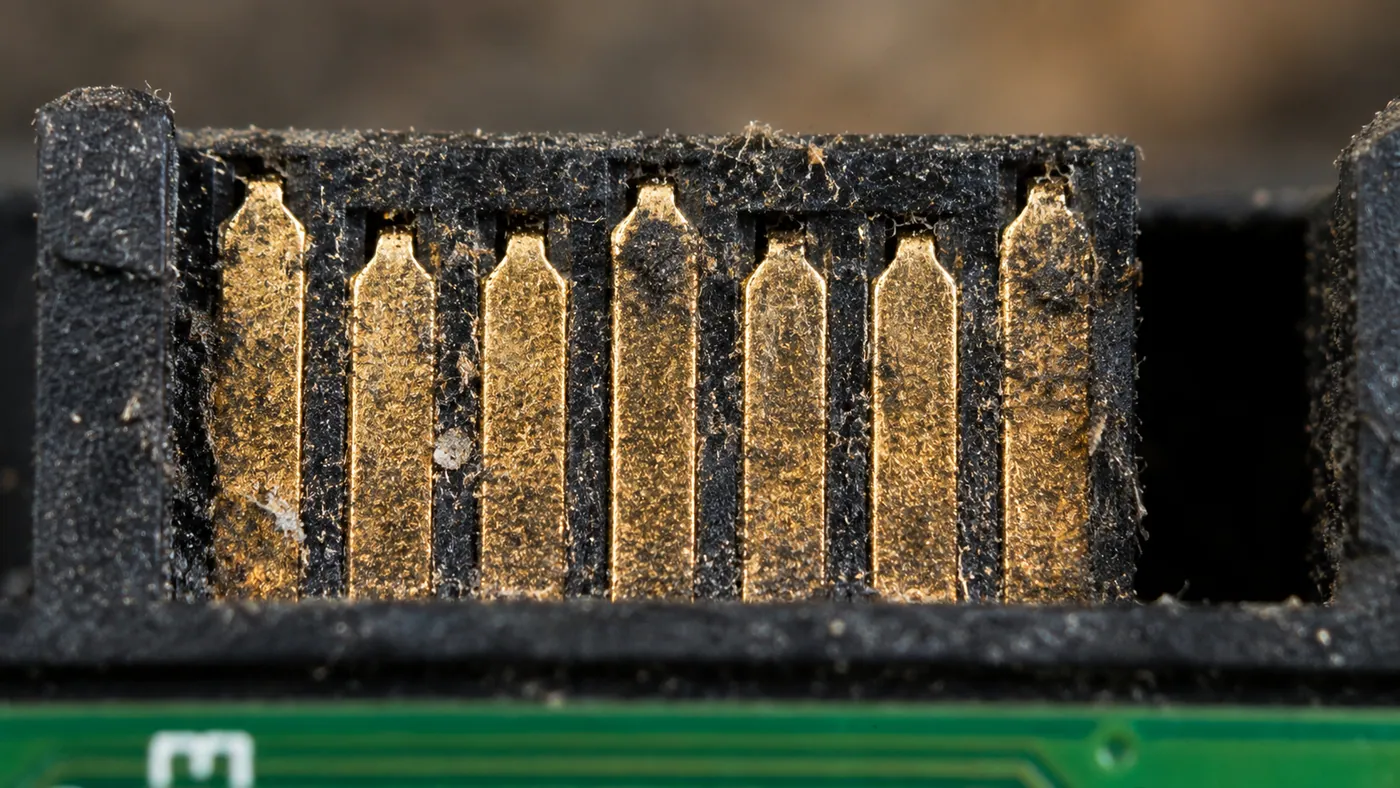
Plated contacts need gentle settings
Most contacts are copper alloy with a nickel underlayer and a thin top plating. The top layer is where the care goes.
- Gold: chemically inert, but often very thin. A long cycle at high power can erode a thin gold layer at spots where cavitation concentrates, and expose the nickel underneath. Short cycles at 40 kHz, moderate power.
- Silver: tarnishes to a dark sulphide film. Mild cleaners lift loose tarnish; heavy tarnish needs a cleaner that is rated for silver. Avoid products containing ammonia or sulphur compounds.
- Tin and tin alloys: soft and oxidise easily. Strong alkaline cleaners attack tin; use neutral or mildly alkaline chemistry and keep the time short.
- Bare copper alloy (unplated): tarnishes in strong alkali and ammonia. Neutral cleaner, fast rinse and dry.
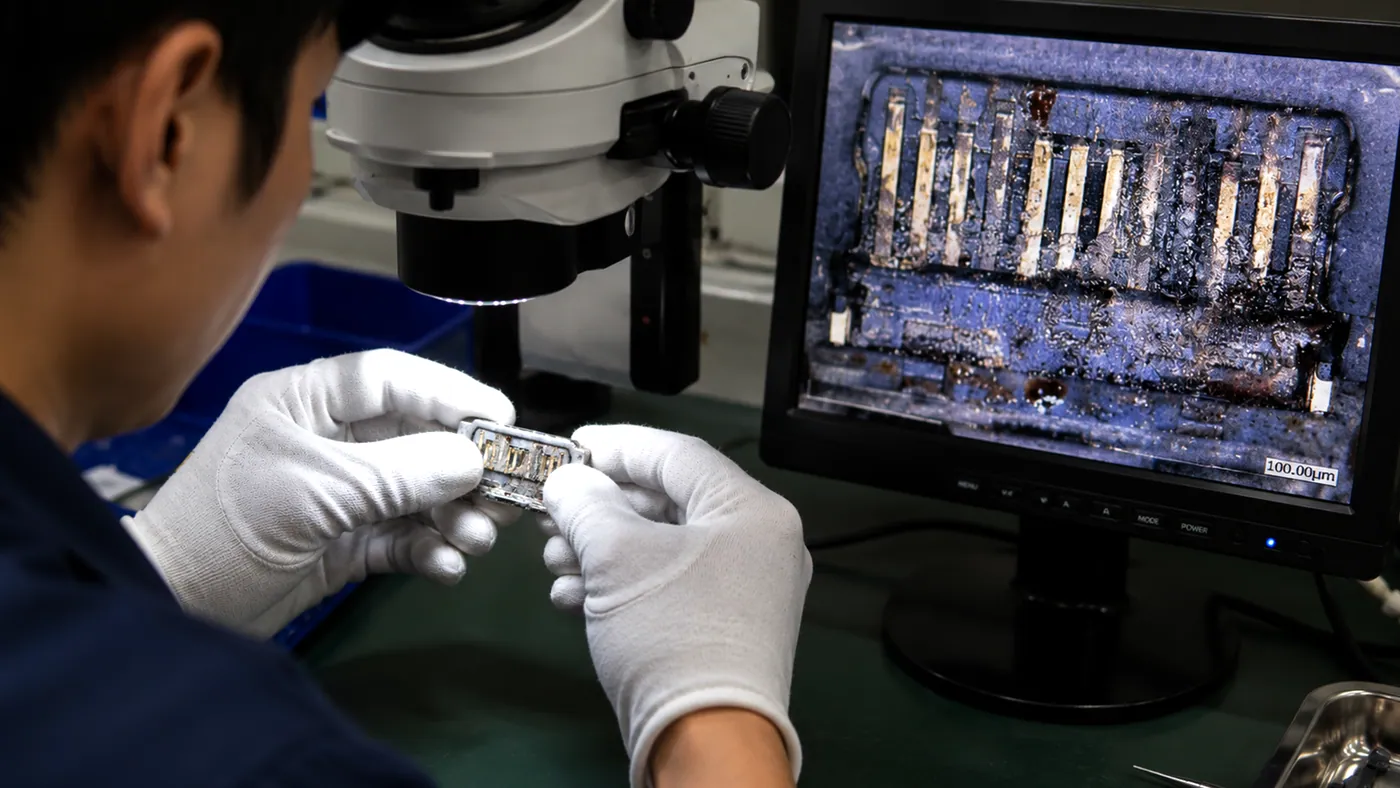
The cleaning liquids article lists chemistry by material. If the plating is not on the data sheet of the cleaner, test a sample and check the contact under a microscope before running a batch.
Settings
| Parameter | Setting | Reason |
|---|---|---|
| Frequency | 40 kHz | Small bubbles reach into contact cavities and do not erode plating the way a hard 28 kHz field can |
| Temperature | 40 to 55 °C | Warm enough for oil and flux, within the limits of the plastic housing |
| Time | 2 to 5 minutes | Long cycles add risk to plating, not cleanliness |
| Chemistry | Neutral or mildly alkaline, rated for the plating; a flux remover if flux is the soil | See above |
| Rinse | Deionised water, twice | Plating and flux residues are ionic |
| Sweep | On, where the generator has it | Avoids a standing wave holding a pin in one hot spot |
Loose contacts and small stamped parts go in a fine-mesh basket in a shallow layer, so each part sees the field. Connectors with housings go in with the openings facing sideways or down so that air can leave the cavities and the liquid can get in. See loading the basket.
Drying the pin cavities
Drying is where connector cleaning usually goes wrong. Each contact sits in a small cavity in the housing, and each cavity holds a drop of water by capillary action. A connector that looks dry on the outside can hold water behind every pin for hours, and water in a connector with voltage on it causes corrosion and leakage current.
- Drain with the cavities facing down, then blow out each row with clean, dry, oil-free compressed air.
- Dry in warm air at 50 to 60 °C, or at the limit of the housing material if that is lower, for 20 to 30 minutes. Dense multi-row connectors need longer.
- Check one sample: weigh it before cleaning and after drying, or open one and look.
The rinsing and drying article covers the general methods.
Charging ports and fitted connectors
A charging port in a finished device cannot go in a bath with the rest of the device: the battery, the display and the unsealed parts rule it out. The port is cleaned by hand, or the board is taken out and cleaned as a repaired module, with the battery removed; see cleaning electronic modules after repair. Loose ports and sockets that are not yet fitted clean well in the bath, with the settings above.
Connectors already soldered to a board are cleaned with the board. The flux that wicked up the pins comes off in the board wash; the drying of the cavities takes the extra time. See cleaning circuit boards after soldering.
What cleaning does not fix
Ultrasound removes films and particles. It does not rebuild worn plating, reshape a bent spring or remove fretting damage that has already eaten through to the base metal. A contact that still reads high after cleaning is worn and must be replaced. And contacts that are meant to be lubricated need fresh contact lubricant after cleaning; the cleaning removed the old one.
Which machine
| Work | Set-up |
|---|---|
| Service and repair, single connectors and ports | STS-030 (3 L) to STS-090 (9 L), 40 kHz, beaker or small mesh basket |
| Small batches of contacts or connector housings | STS-150 to STS-300, 40 kHz, fine-mesh basket, shallow layer |
| Stamped contacts in production quantities | ST-40 or UMX Pro 50L at 40 kHz, fine-mesh inserts, deionised rinse, warm-air dryer |
| Precision contacts, wash-rinse-dry in one frame | MT-75, 75 L, 40/80 kHz |
The electronics industry page collects the related articles.